Redefining Club Discovery at UCLA
Clubhouse is the only anonymous club review platform helping UCLA students cut through 1,000+ options. I redesigned the browsing experience and created a personalized recommendations flow, informed by interviews with 25+ UCLA students.
Visit the live site- Role
- Designer
- Scope
- Research, IA, visual design
- Timeline
- Fall 2025 – Spring 2026
- Team
- 1 design lead, 3 other designers, 6 developers
- Tools
- Figma, FigJam, Notion, Zoom
Context
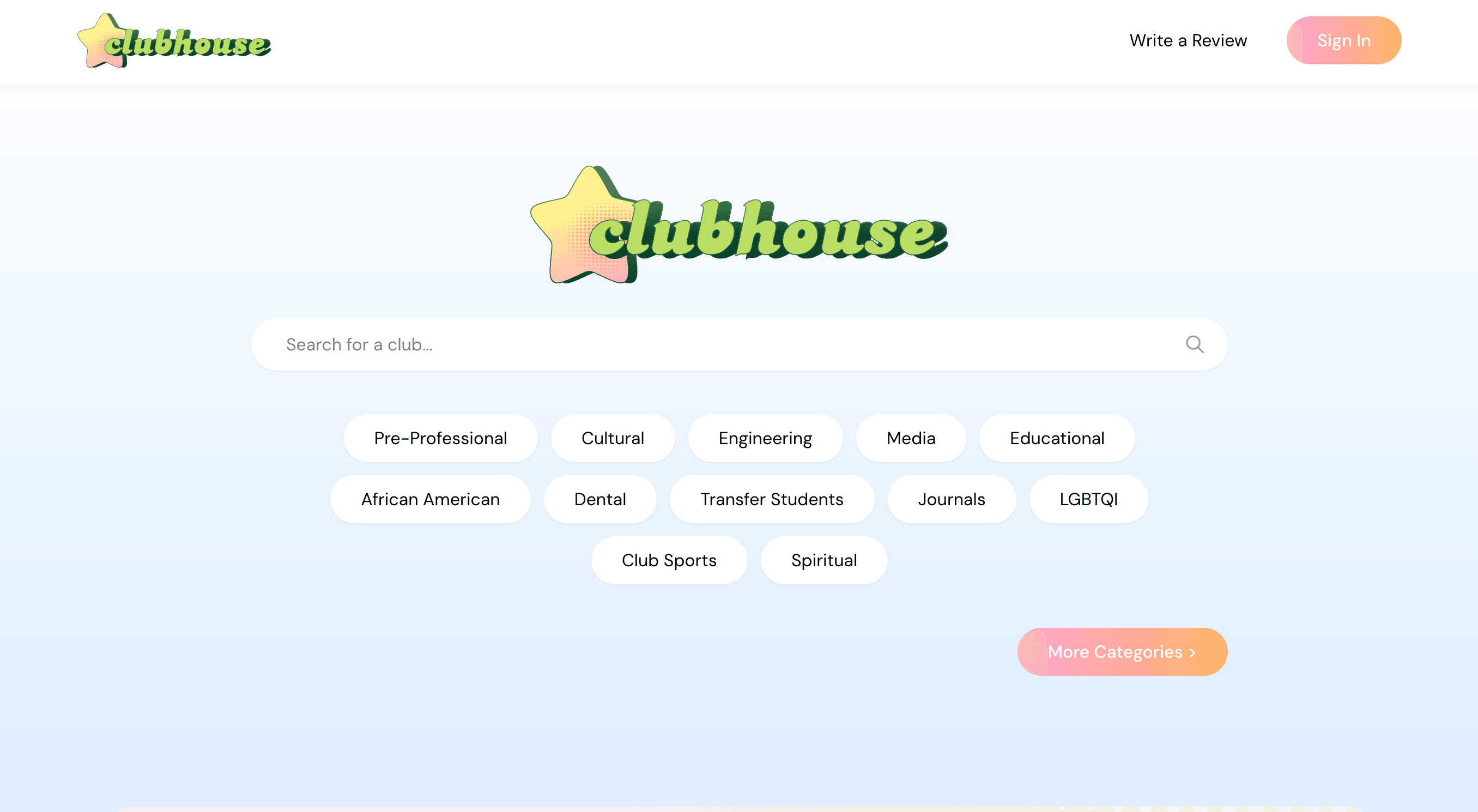
1,000+ clubs, no way to choose
UCLA lists more than a thousand student organizations, and no way to compare them. Choosing one means asking around and hoping you know someone who has been in the room.
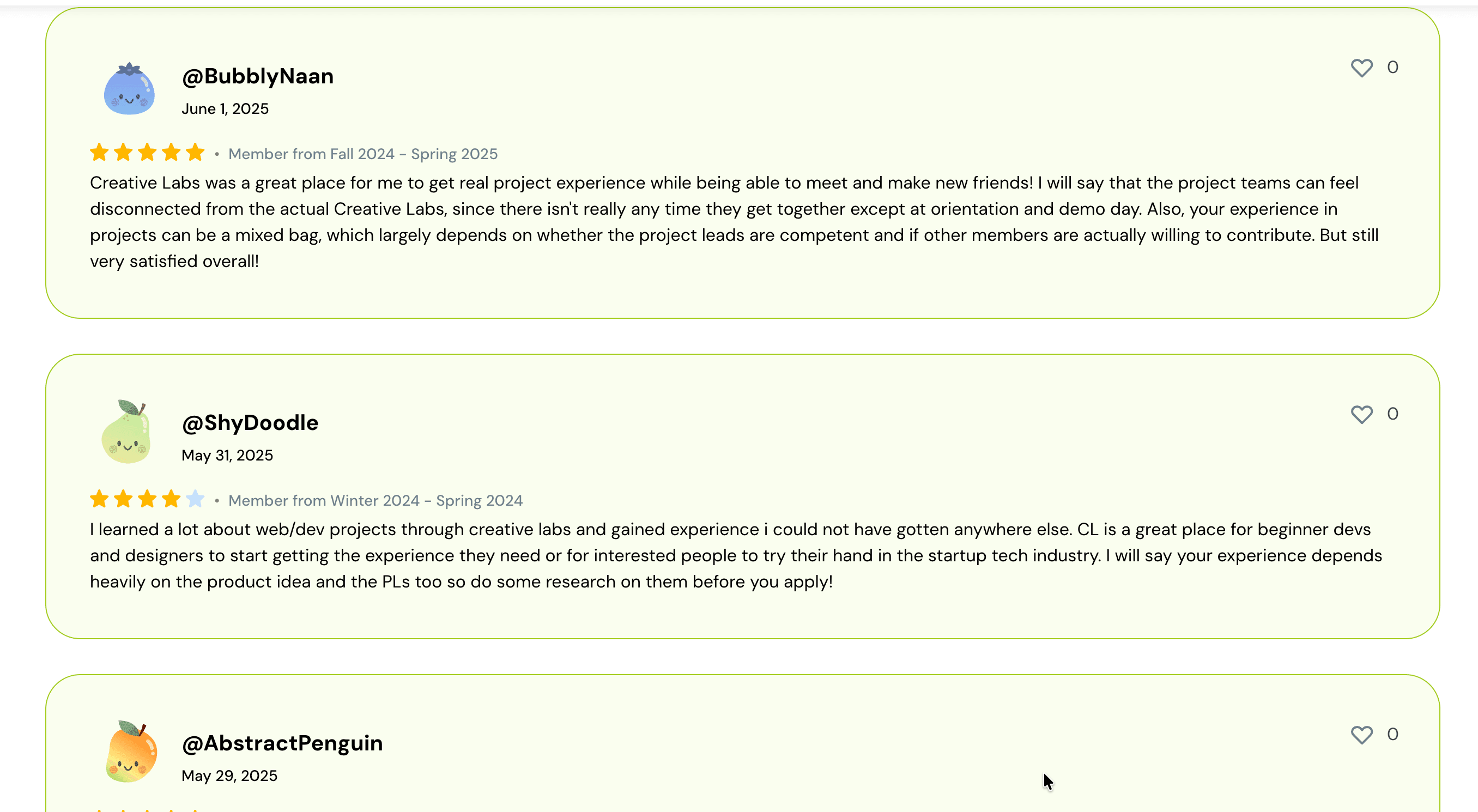
Clubhouse started as a Creative Labs project
A student team built Clubhouse in spring 2025 through Creative Labs, a UCLA club that builds student-led projects, as a place for students to review clubs honestly without needing to attach their identity. By June 2025, it was a fully deployed site.
I joined the team after that, just as it was being completely rebranded, which is where this project starts.
Research
Testing the rebrand with 25+ students
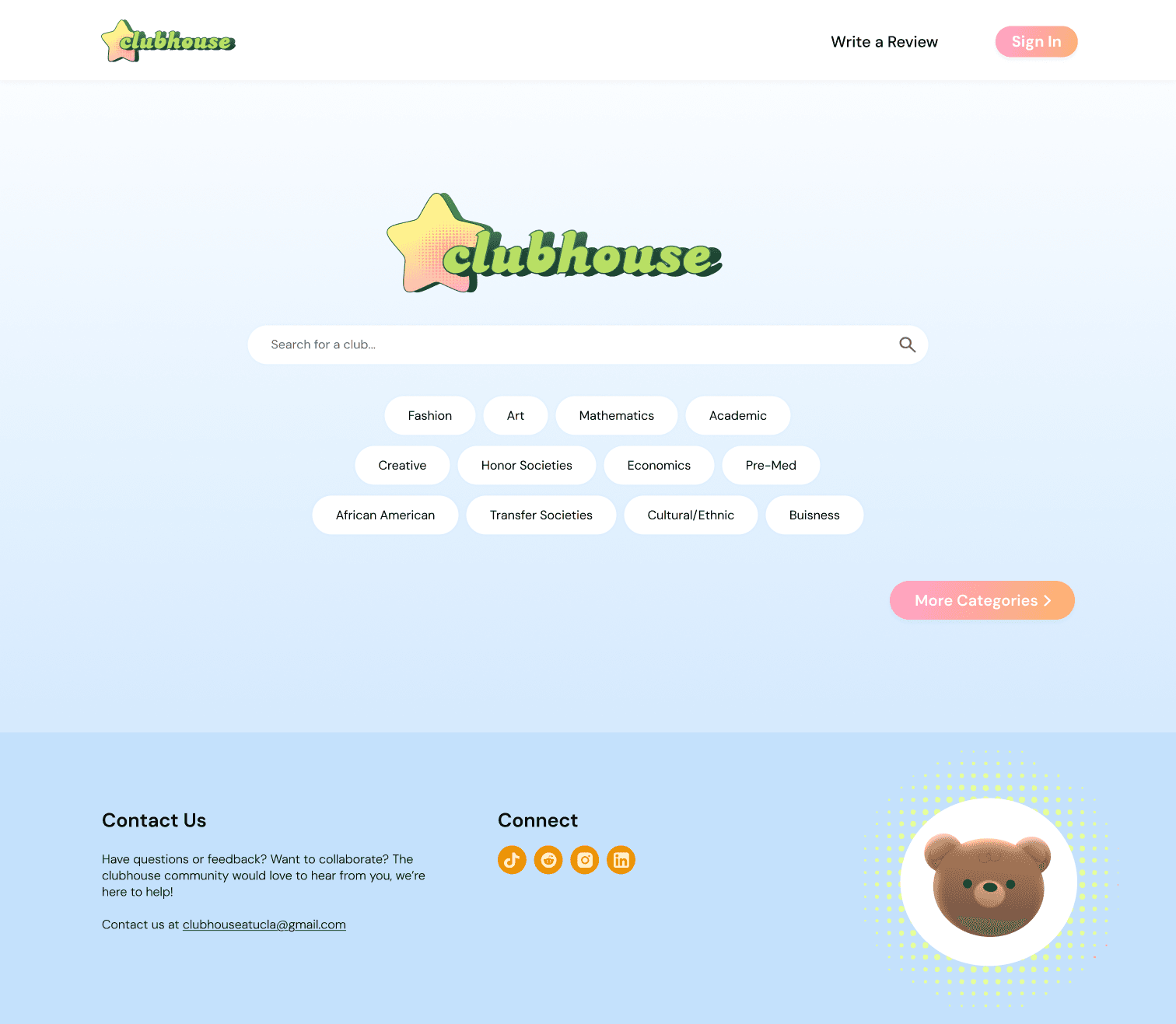
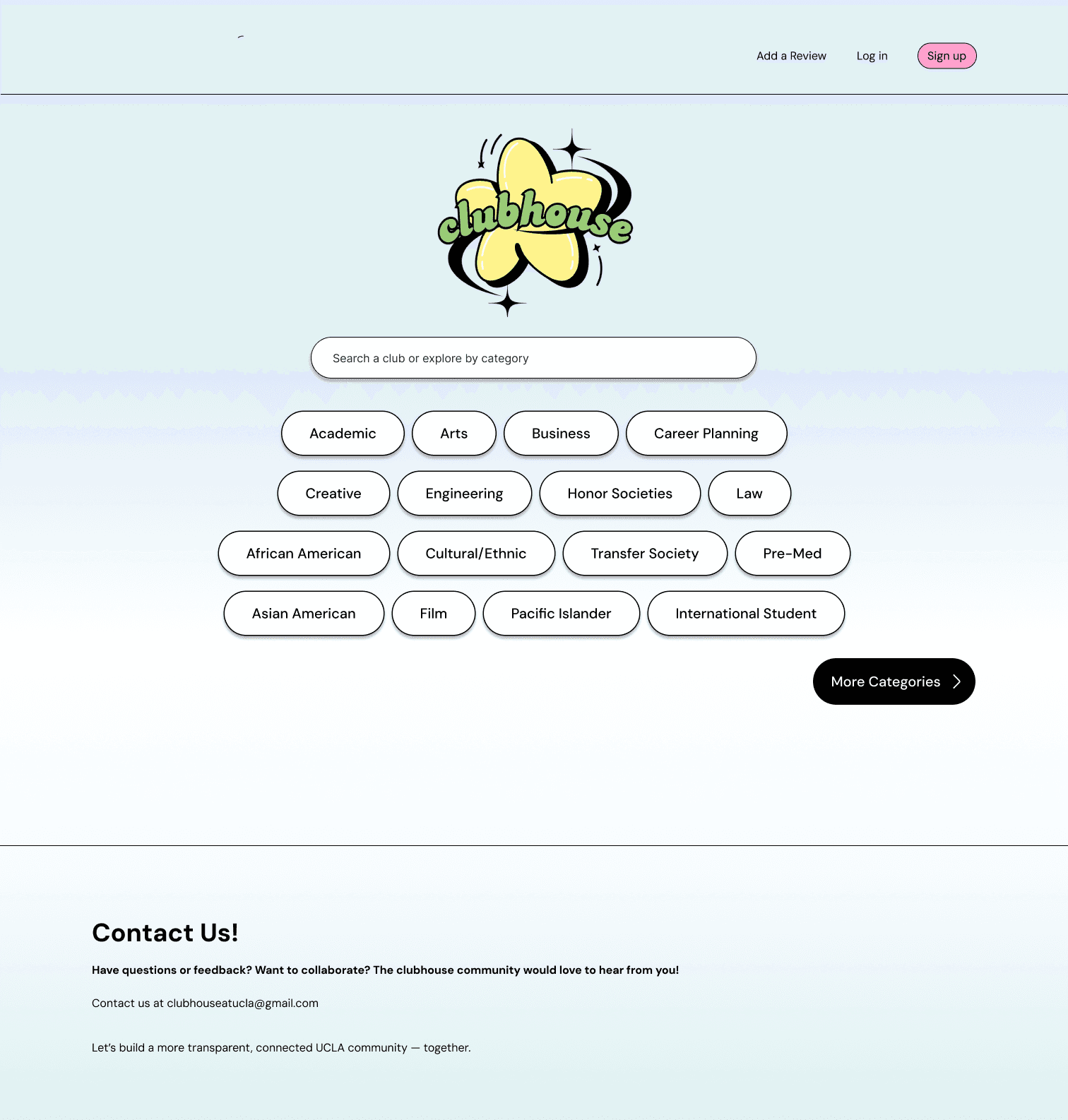
The platform had already shipped with a rebranded interface and a new profile, where liked and saved clubs both collected. What we did not have was evidence that any of it worked.
- 1
Find an art and technology club
- 2
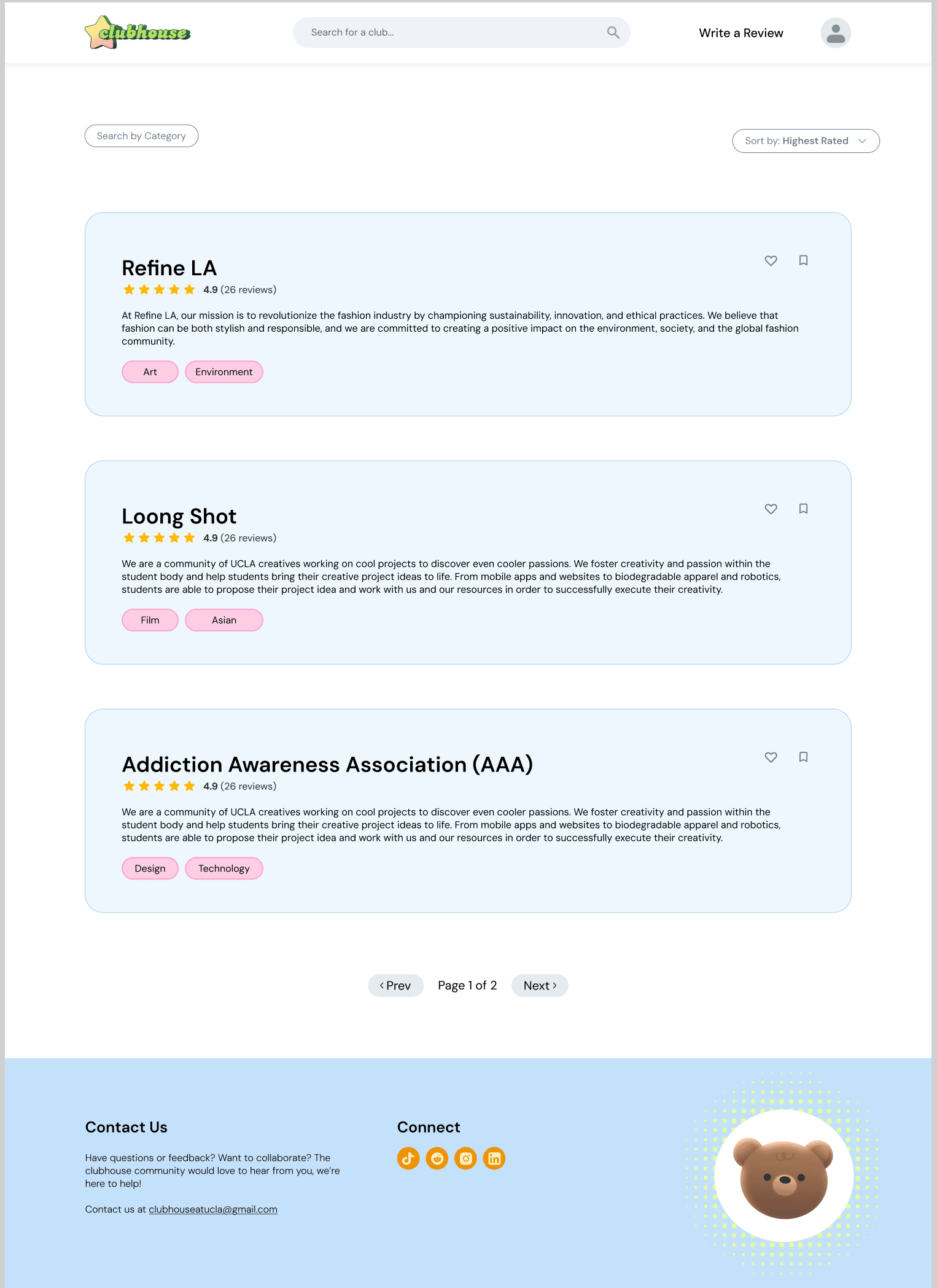
Browse the club and its reviews
- 3
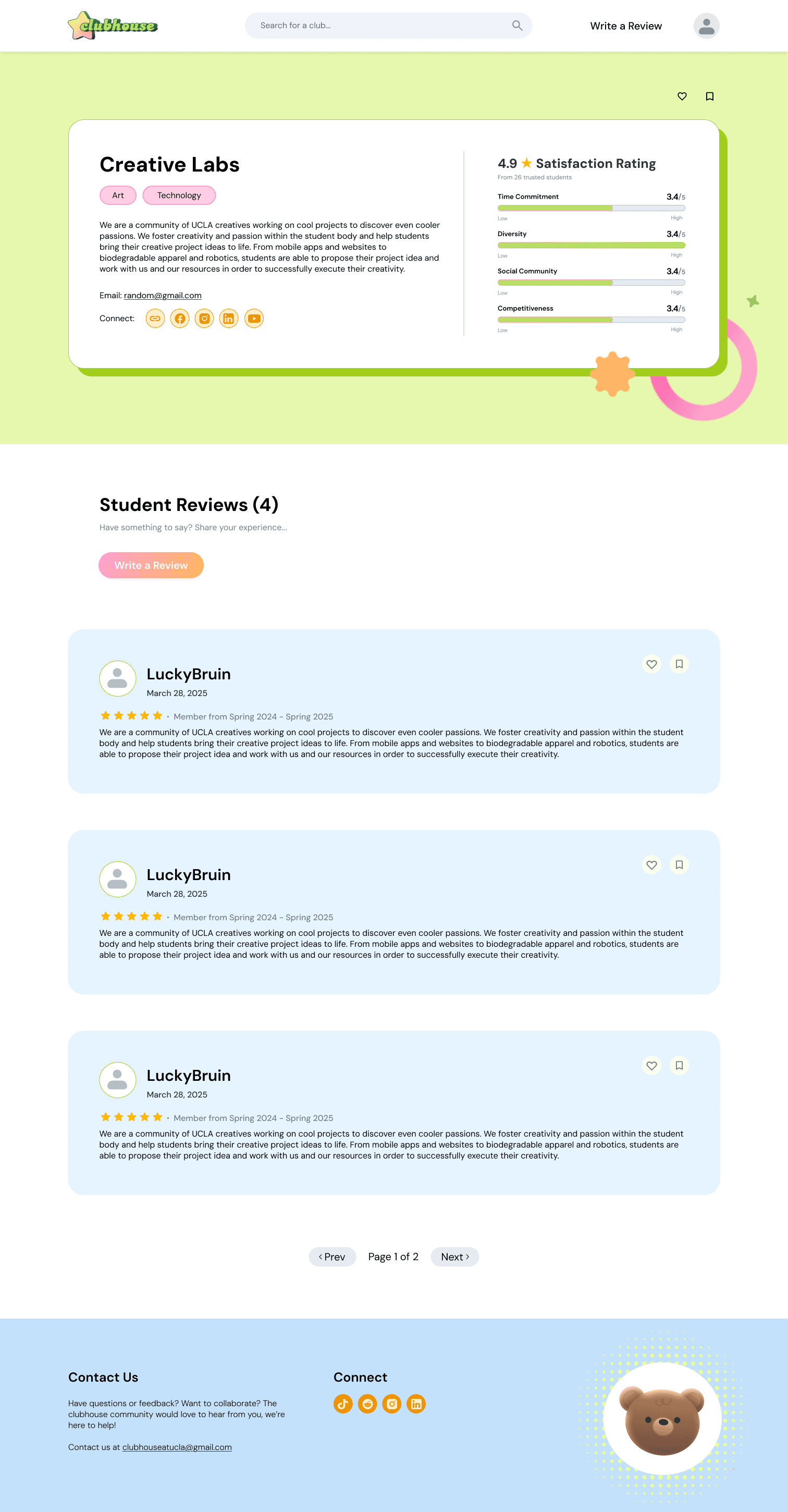
Explore the profile
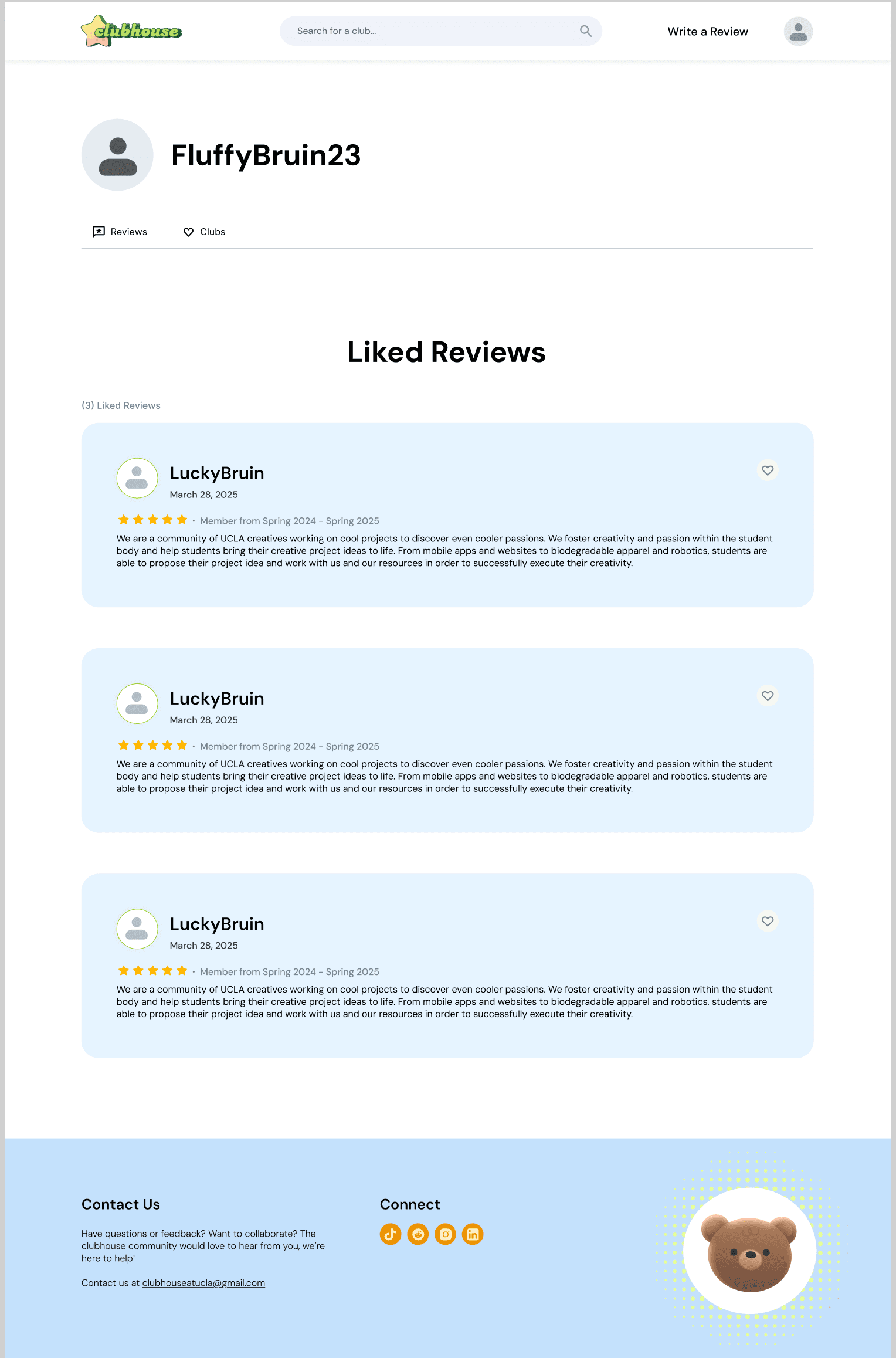
- 4
Edit and resubmit a rejected review
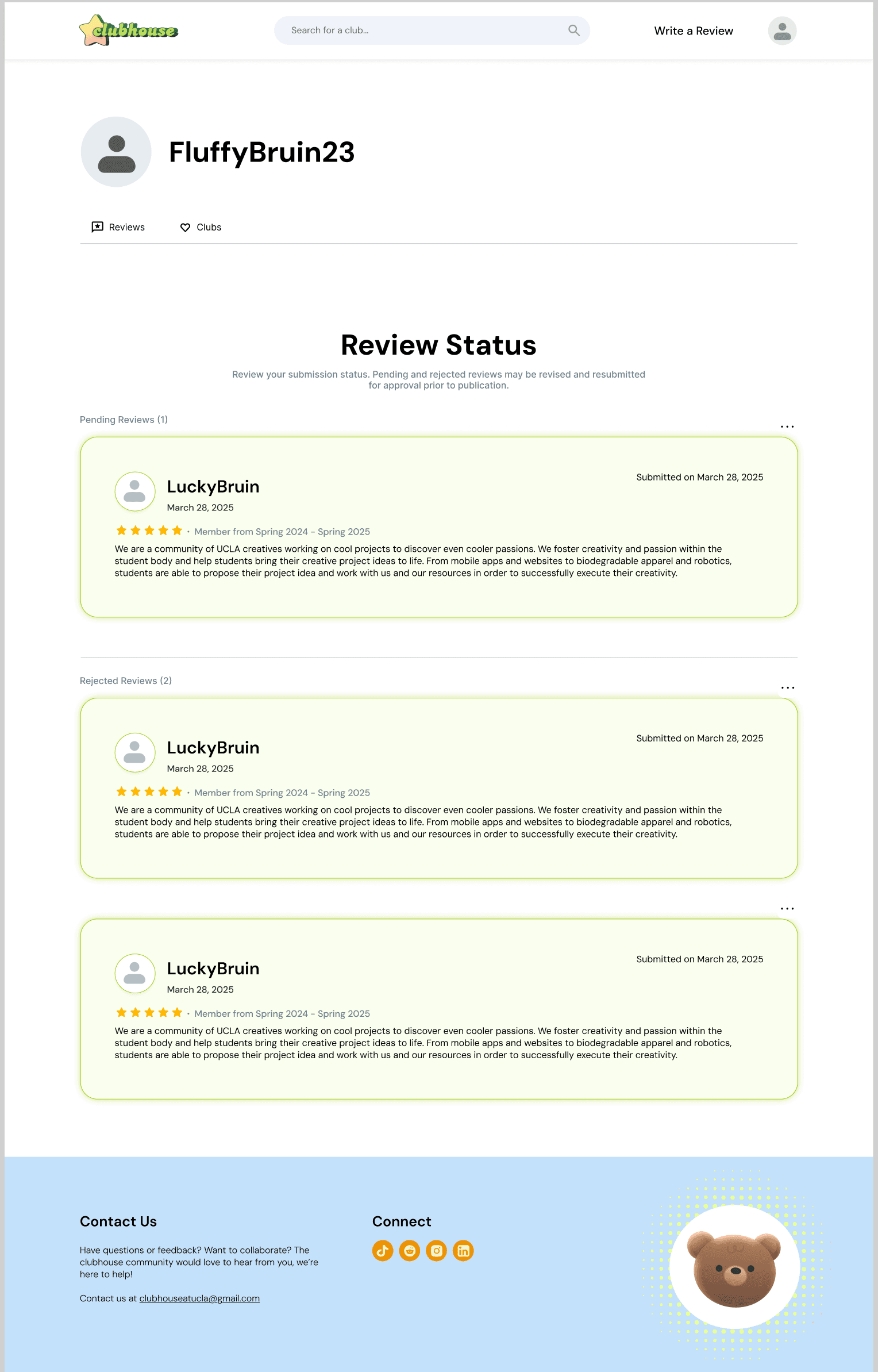
Swipe to see the rest — 4 screens in all.
Research results
- 1 — very easy
- 51 · 46%
- 2
- 30 · 27%
- 3
- 22 · 20%
- 4
- 4 · 4%
- 5 — very difficult
- 4 · 4%
Every task came back with a median difficulty of 2 or lower, on a 1–5 scale where 1 is easiest.
Students could work through the flow, but still not tell exactly what the controls meant.
- 10 of 25
- Raised the like and save confusion unprompted
- 3 of 25
- Asked how reviews were ordered
All three findings landed on the same two buttons
“The like and save button at the top for the actual club isn’t apparent enough.”
“I’m confused what the difference between like and saved is if they both appear on my profile and seem to do the same thing.”
“Is it like an upvote algorithm? How do we know how the reviews are ordered?”
The problem
Anonymity strips out every signal a reader trusts
Anonymity is what makes a Clubhouse review honest, but it also makes one hard to believe. Students needed other trust signals that aligned with patterns they already recognized.
Students could not tell how reviews were ordered, so they invented an upvote algorithm.
Design constraints
Keep private
- Names
- Photos
- Reputation
- Past reviews
- UCLA affiliation
Available trust signals
- Star rating
- Review date
- Time as a member
The redesign had to build trust through the review itself—not the reviewer’s identity.
Design Iterations
Like and save stop looking like one button
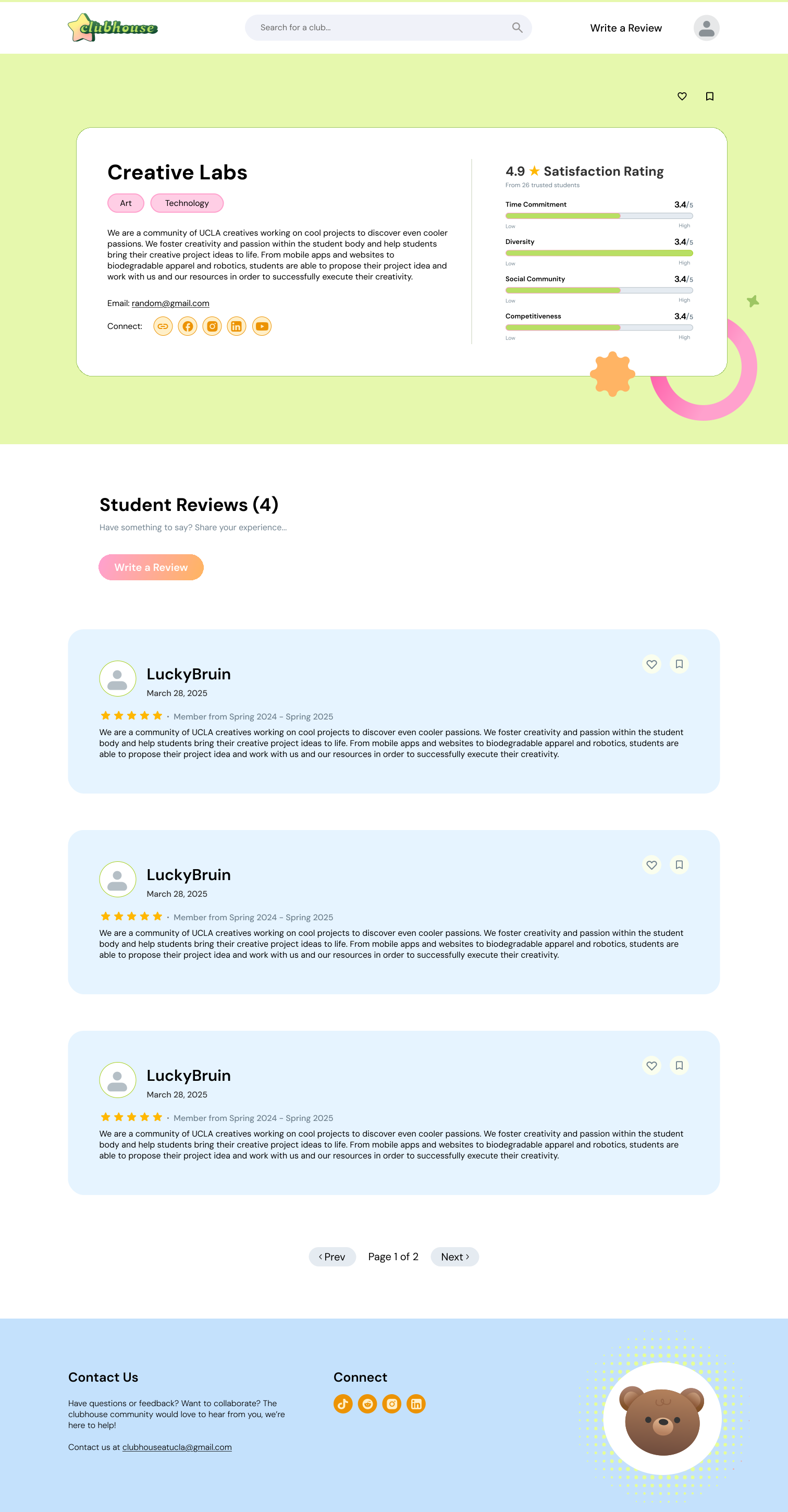
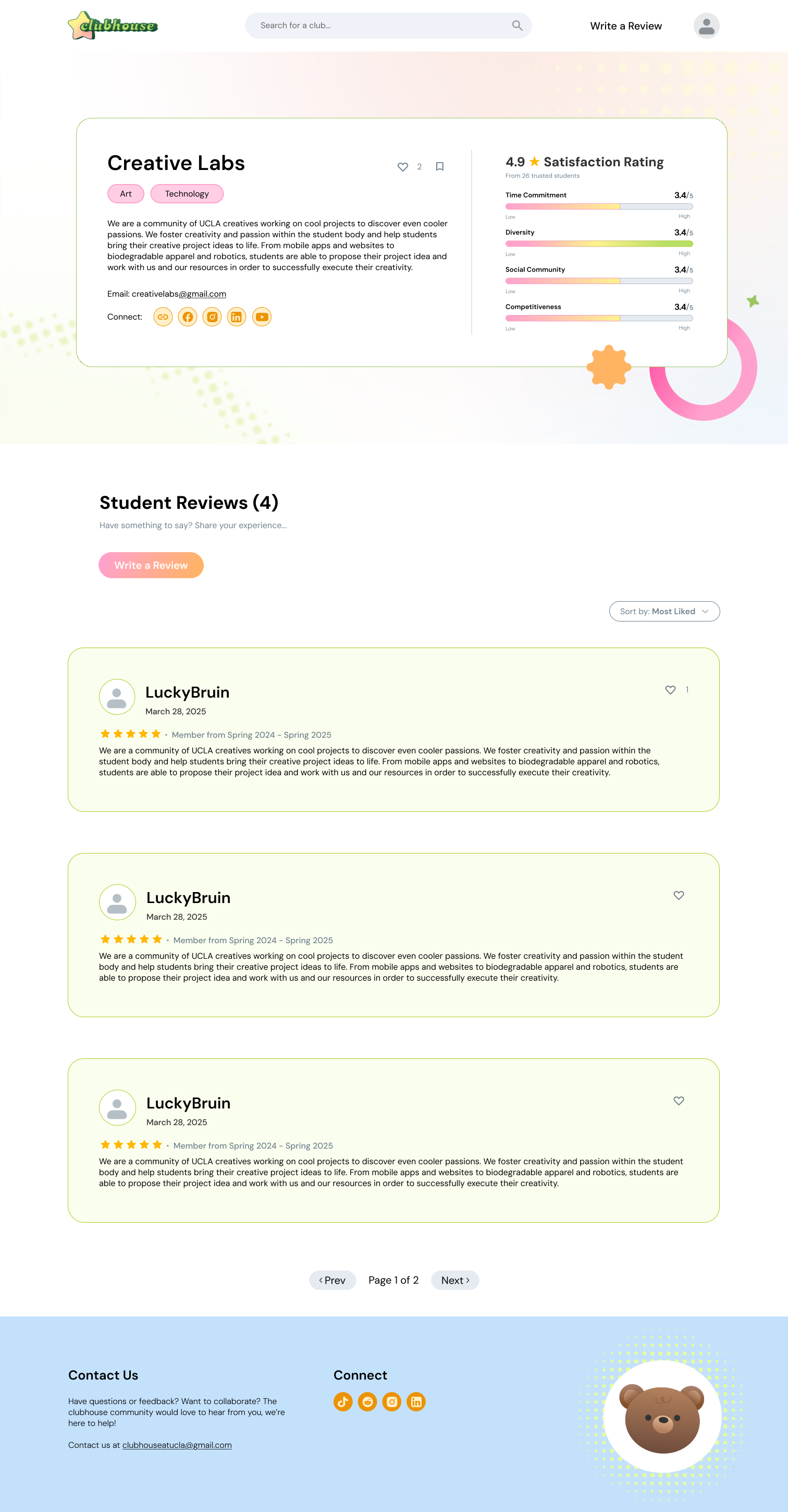
Nothing here changed on instinct.
Each revision answers one finding: make the controls hard to miss, make like and save read as different things, and stop making a reader guess at the order.
The redesigned browsing experience shipped to students.
The new feature
Browsing only helps a student who knows what to look for
Clarifying browsing helps a student judge a club they have already found. That is half the problem: students still needed help finding the clubs that fit them.
Recommendations depend on knowing the person, but Clubhouse is built on knowing as little about students as possible.
So the flow had to ask only for relevant information, in a way students trust is safe.
Upon sign-in was where that had to happen, and the existing sign-in process was used only for signing in.
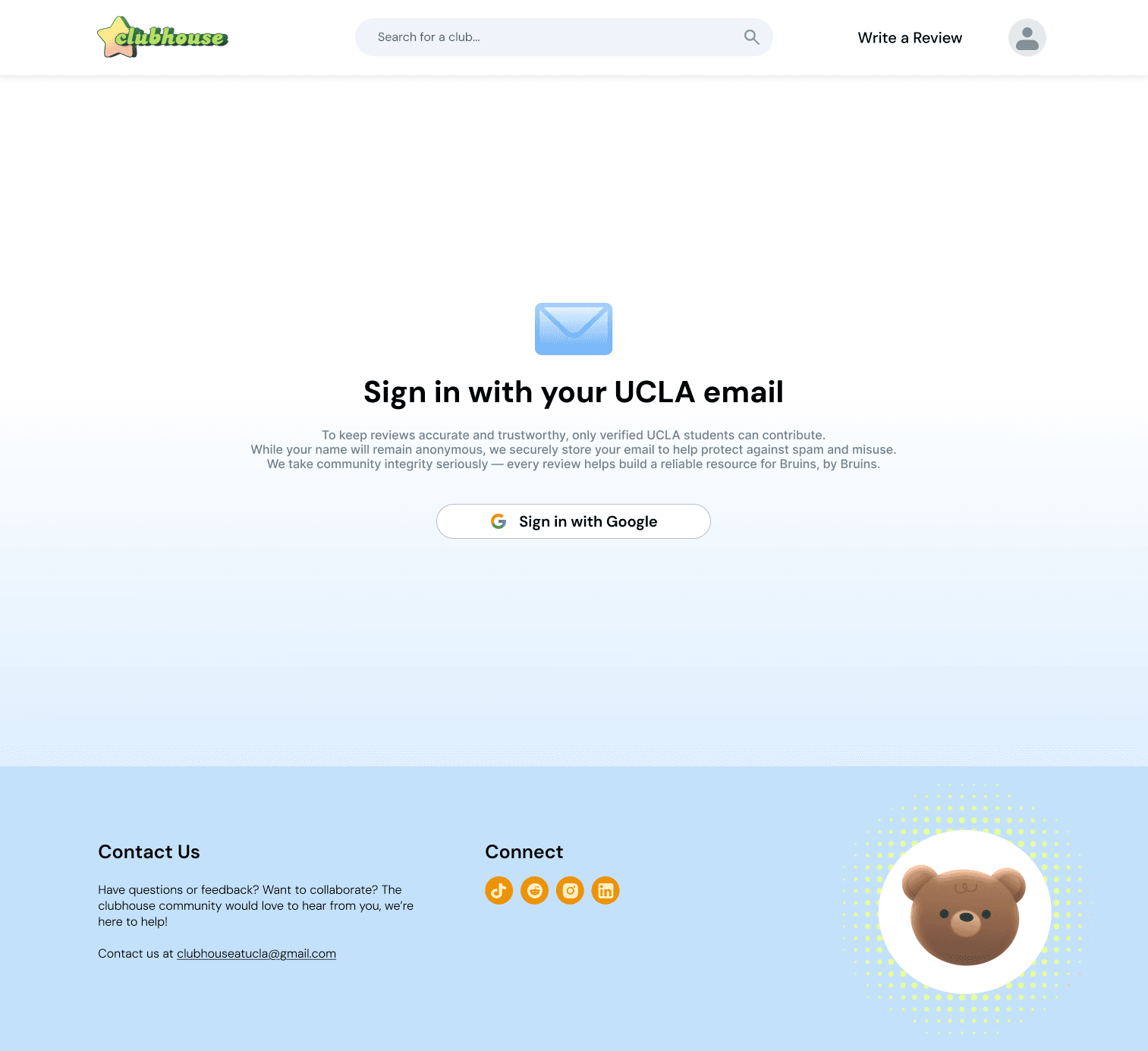
Design decisions
Every question says what it buys
We looked at existing sign-in flows that ask for interest categories, and at how they earn trust for that request.
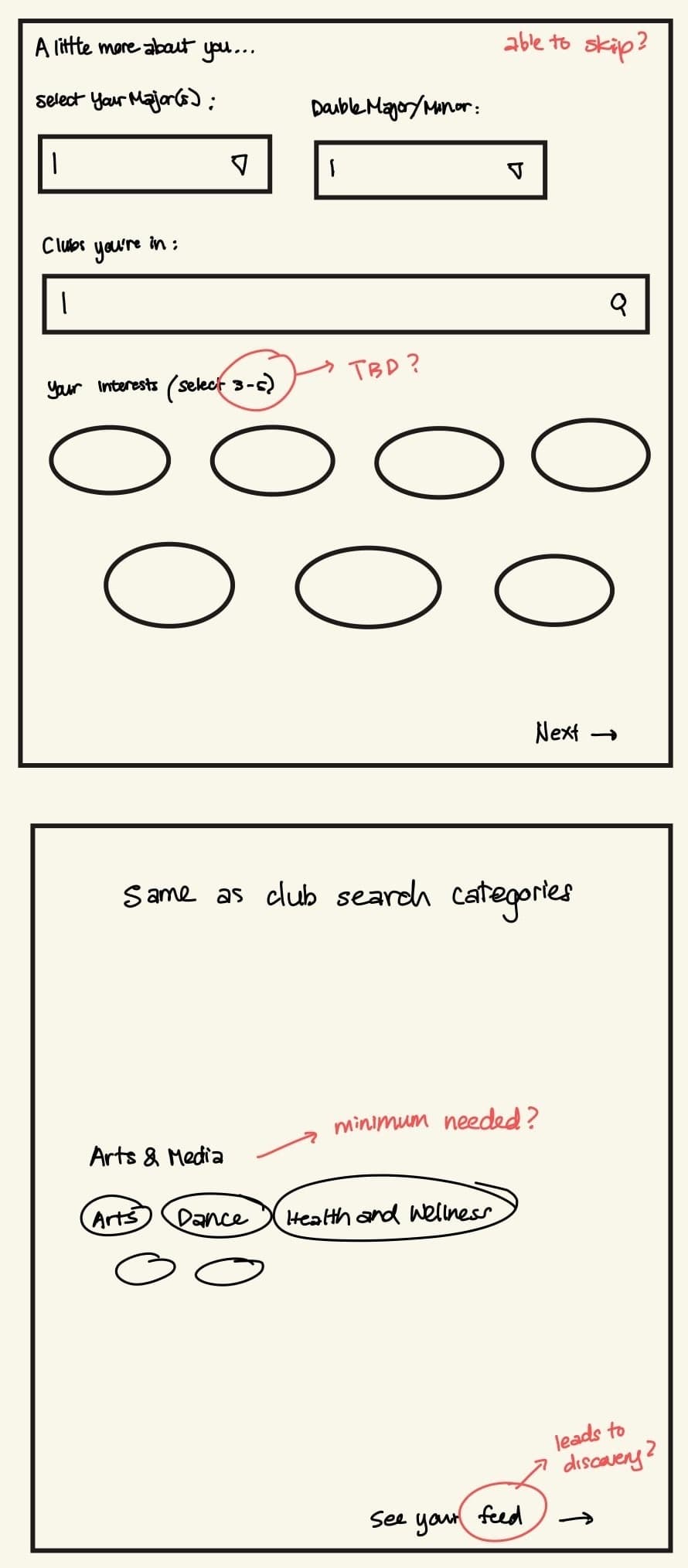
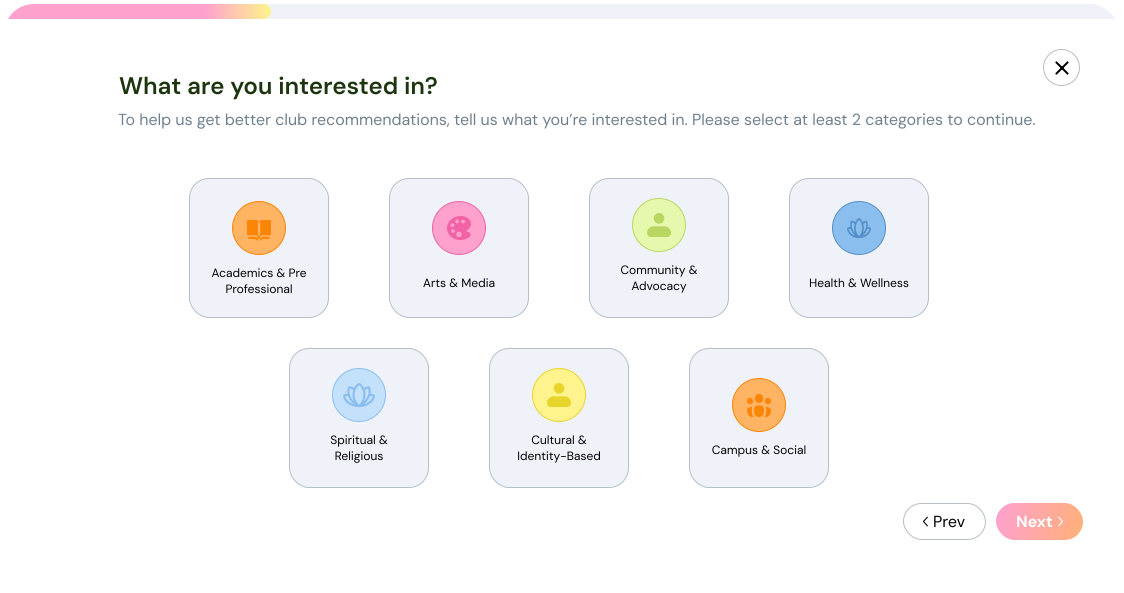
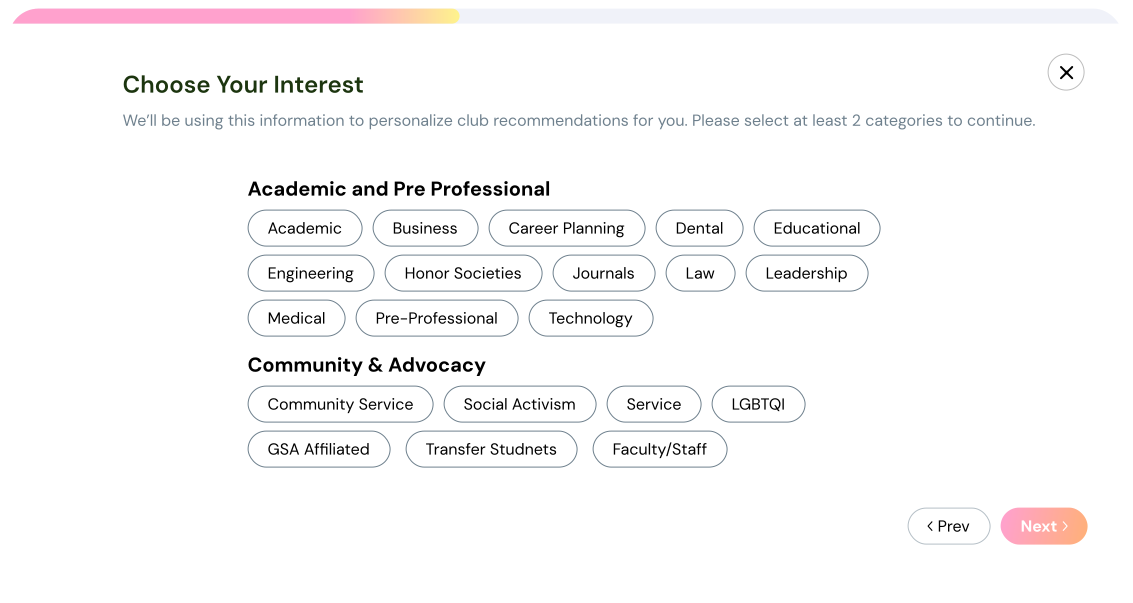
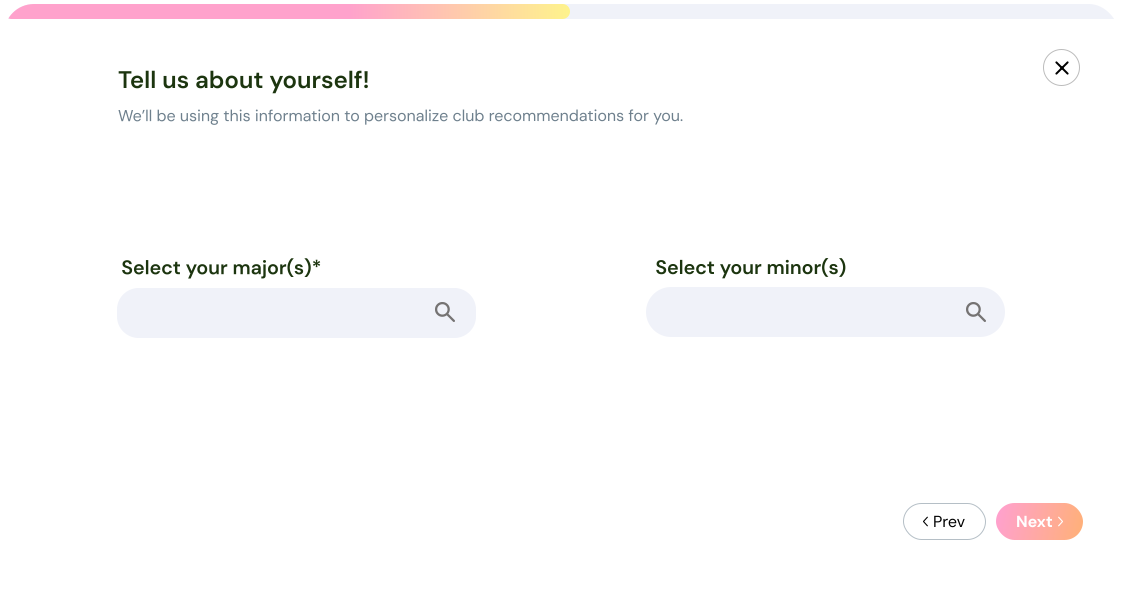
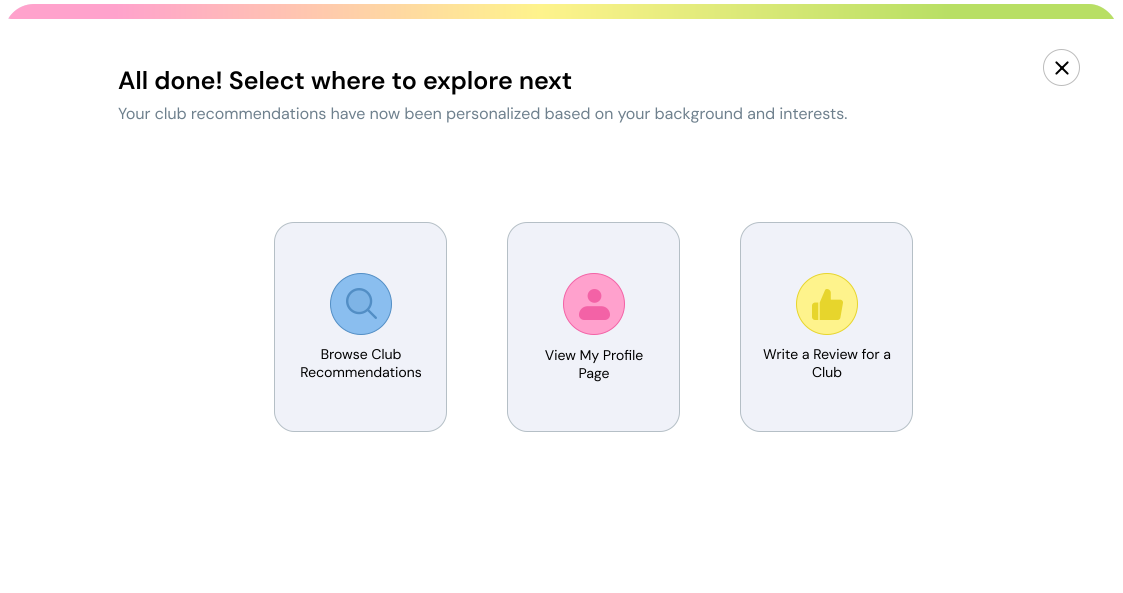
I replaced the initial drawings with a short onboarding flow with interest categories, tags under them, and then finally, major and minor.
None of this information ever reaches the public. The new flow only collects information that tailors the recommendations. This keeps anonymity at the center of our product even with personalization.
What a student actually walks through
Replace with a short line pointing at what to look for: the browsing screens the interviews reshaped, and the sign-in flow that leads into recommendations.
Outcome
- +18%
- More reviews than the quarter before
- +28%
- More users since the January launch
- 200+
- Clubs saved
- 1,000+
- Clubs made browsable
In the quarter after launch students wrote 18% more reviews than in the quarter before it, and they have saved clubs more than 200 times through the control they could not tell apart from like a year ago.
Since January, when the redesign, the profile and recommendations all went out, the site has 28% more users — across all 1,000+ clubs the platform makes browsable.
Round two validated the revised flow
It surfaced no changes and validated the revised flow: the confusion observed in round one did not return. Longer-term usage data would help show whether students act on the recommendations.
Lessons learned
What I learned
Work with the constraints.
Joining after launch meant understanding the decisions already in place. Keeping anonymity intact pushed me to build trust through the review, not the reviewer.
Consistency reveals patterns.
Using the same three tasks across 25+ interviews made recurring confusion easier to spot—and gave the redesign a clear direction.
Validation has limits.
A clean second round supported the revised flow, but not its long-term impact. Next time, I would pair usability testing with data on how students use the recommendations.